 Northern Commander

Easy to start
The arrow keys and the mouse get you going in a minute. The rest of the keys come as you use it.
Arrows, Enter and the mouse. That's the first day.
The rest arrives when you want it, written on the screen where you're already looking.
Point and click, if you like
Click a row, double-click to go in, scroll with the wheel. The arrows and Enter do the same. You pick up the keys when they're quicker, not before.
The screen teaches you
Every key you'll want is written down somewhere you already look.
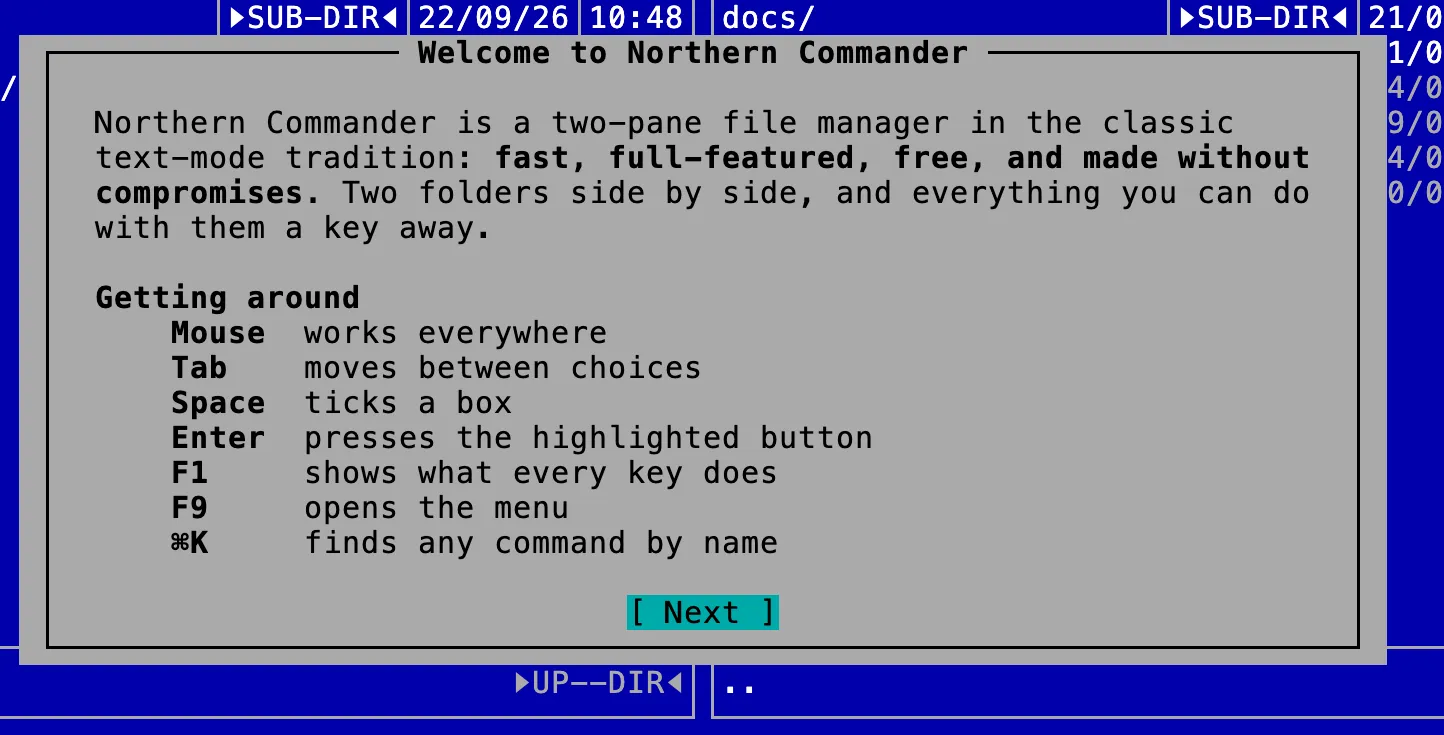
The first minute
Everything you need, on the first screen
The welcome says it all: the mouse works everywhere, F1 explains every key, and ⌘K finds any command by name.
Hard to get wrong
The keys you're likeliest to press by accident are the safe ones.
A week in, the keys are just how you work.

Give it ten minutes. It'll give you back hours.
Version 1.2.0 · universal · macOS 13 or later · about 70 MB