 Northern Commander
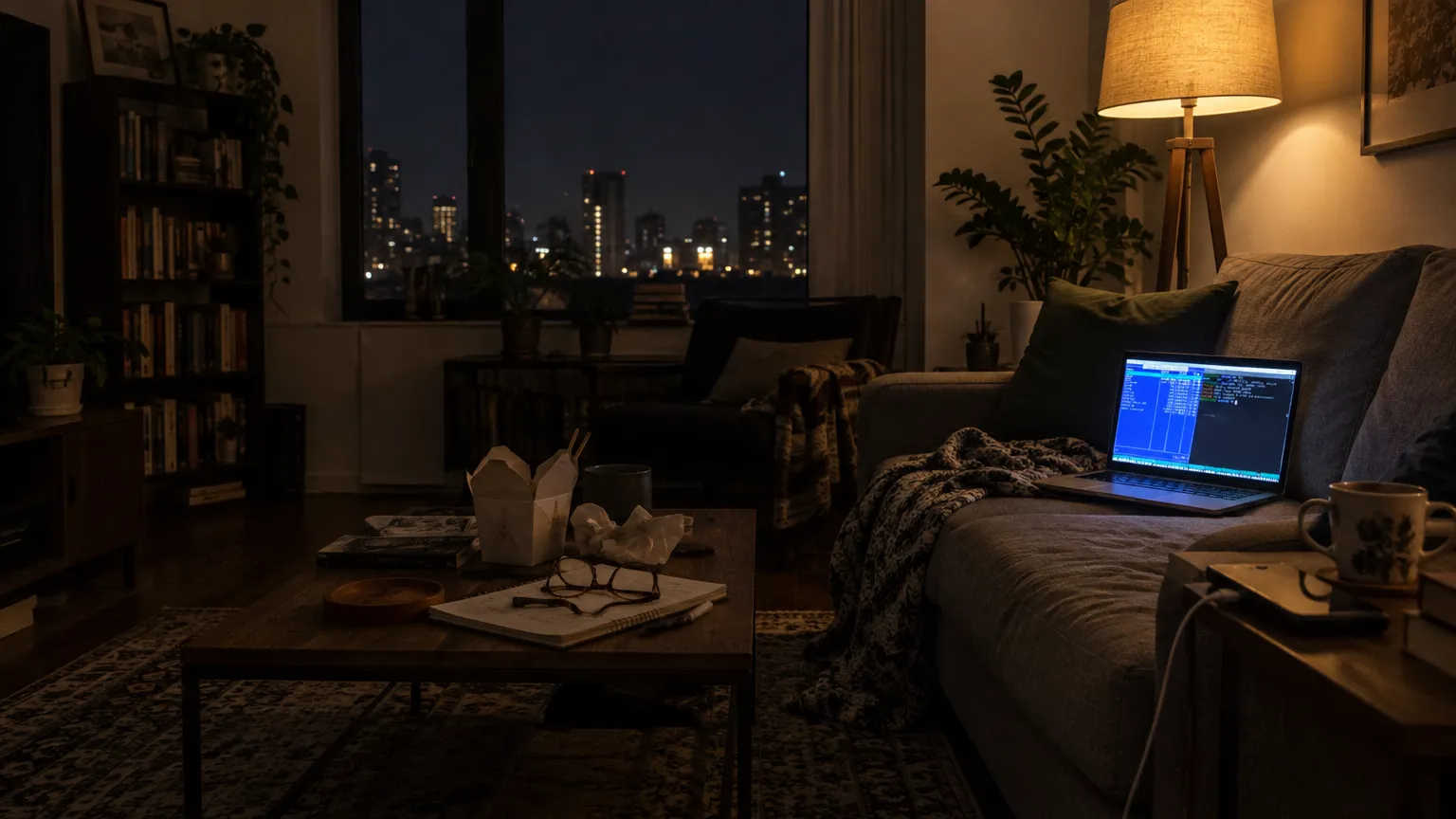
Hands on the keys
Every verb has a key, and the keys are the short way. The mouse is there, never required.
Two panes, no retyping
One side is where you are, the other is where things go.
Anywhere in a key or two
⌥F1 lists every disk and your usual folders, each on a key of its own. The first nine favorites are on ⌘1 to ⌘9, and ⌘G offers the folders a path could become as you type it.
And a shell underneath
⌘L puts you on the command line under the panes. The arrows still move the pane's cursor, and a command runs in the folder you're looking at.
No desk, no mouse, no problem.

Your mouse deserves a break. So does your wrist.
Download for macOS
Version 1.2.0 · universal · macOS 13 or later · about 70 MB
Every key on one pagePut commands on keys of your ownPanes and navigation