 Northern Commander
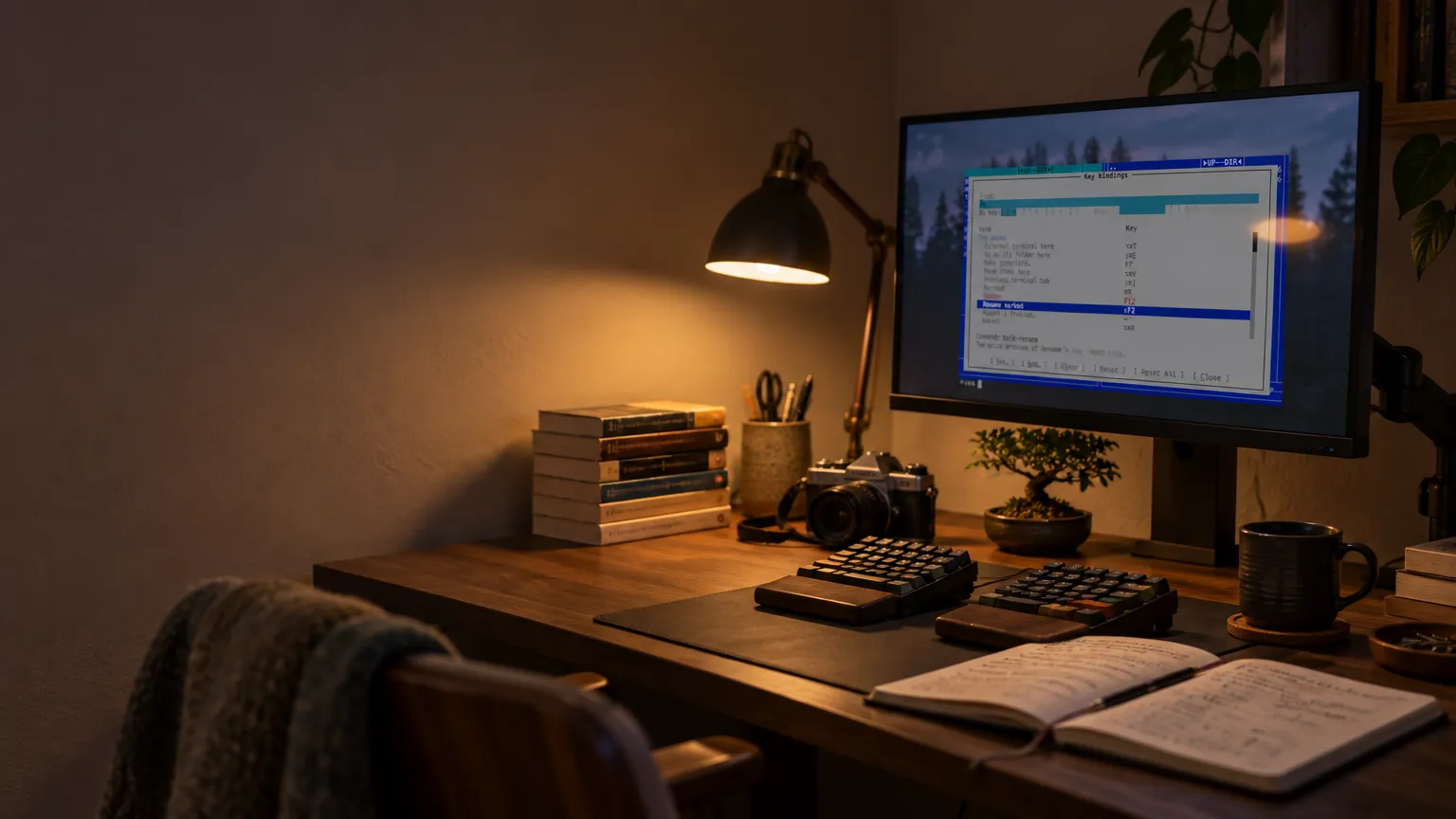
Make it yours
Your keys, your commands, your favorite folders and your settings — on screens to browse, and in plain files to edit.
Change anything. Keep it in a file you can read.
Settings, keys, commands, favorites — each on a screen for browsing, and in a small plain file for people who'd rather edit text.
A screen and a file, saying the same thing
Every setting has a line on the settings screen saying what it does, and its name in the file. settings.json writes every one out, changed or not, so opening it shows everything there is to change.
Your keys, your applications
What a key does, and where a file goes, are yours to decide.
How it looks
Four looks, one font at your size, and each pane the way you like it.
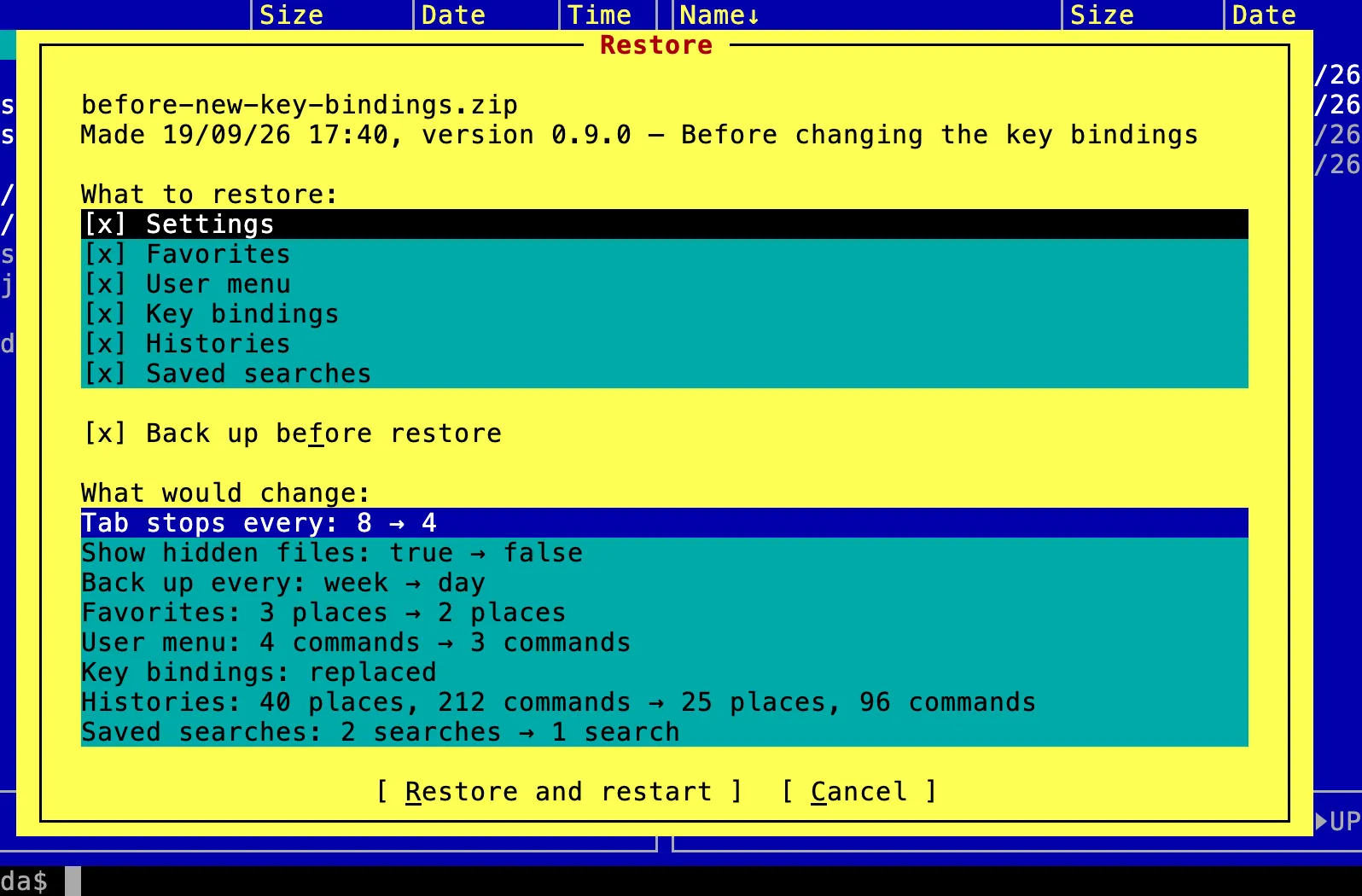
Take it with you
A backup puts your settings, keys, commands, favorites, histories and saved searches in one zip file, by hand or on a schedule. Putting one back shows what it would change first.
Made for people who tune their tools.

Start with ours. Make it yours.
Version 1.2.0 · universal · macOS 13 or later · about 70 MB